



Find a scene with AI video templates
AI video templates give a simple starting point when you have a photo or a scene idea but need a clearer direction. The AI video templates collection brings seven focused generators together, from expressive portraits to playful animal clips. Compare the subject and action before opening a tool. For a scene you want to describe yourself, visit the Agnes Video Generator homepage and start with text or an image.
Choose AI video templates according to the material you already have. A clear portrait suits a face-led effect, while a pet photograph belongs in a tool that explicitly supports animals. The images on these cards help identify each destination; they are not a promise that your upload will produce the pictured result. Opening AI video templates leaves the final creative choice and submission in your hands.
Match AI video templates to your subject
For expressive portrait scenes, AI video templates include a crying generator with selectable effects and editable prompts. Start with a face that is large enough to read, then decide how restrained or dramatic the expression should feel. Changes to facial movement may also change identity details, so inspect the result before sharing it with an audience.
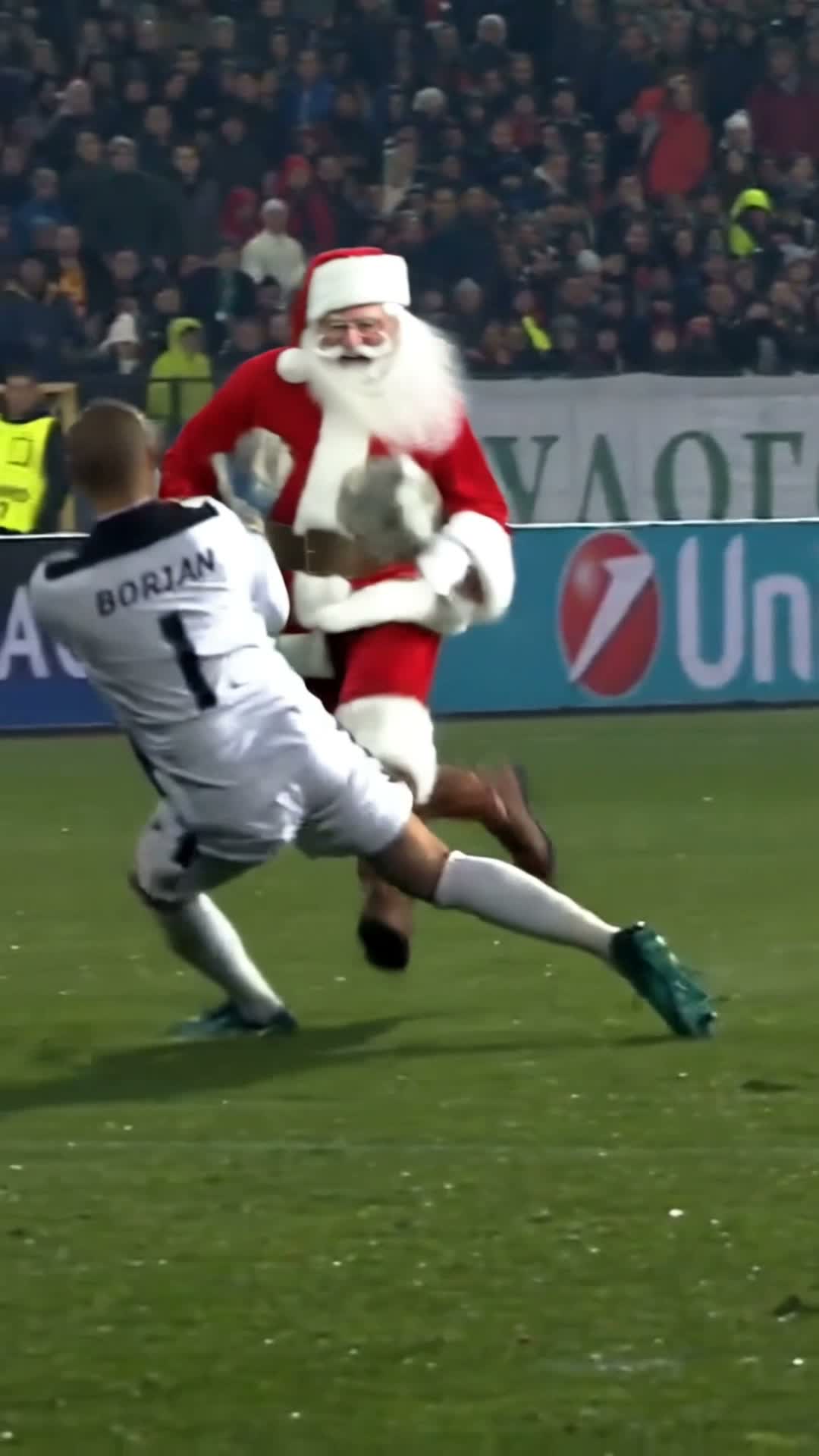
For a football-inspired scene, AI video templates include a dedicated goal generator. Its fixed reference guides the intended action while your photo supplies the replacement subject. Read the tool’s explanation of the role being replaced before uploading. A photo that suits a portrait animation may be less suitable for a fast-moving full-body shot.
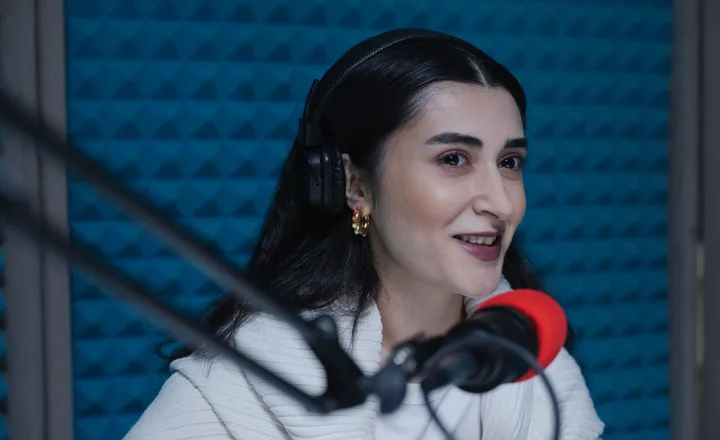
For spoken delivery, AI video templates include a talking avatar workflow. Prepare the portrait and the words or supported audio that the character should speak. Follow the available language and voice options on that page. Speech preparation and the final video quote are part of the workflow, so leave time to review the audio before confirming the video.
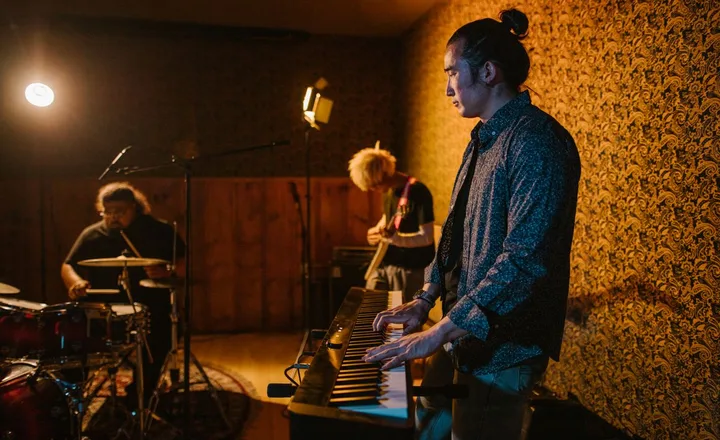
For musical scenes, AI video templates include the Tiny Desk generator. The destination shows the concert options currently available and the photo count for your choice. Some selections use one subject, others need an ordered pair, and selected options support a pet. Choose from the visible options on that page rather than assuming every concert accepts the same inputs.
For playful animal movement, AI video templates include a hamster dance generator. Use the animal input requested by the tool and check its framing guidance. For a fictional visual joke featuring a person, the branch-cutting generator provides a separate fixed scene. These AI video templates serve different subjects, even when both are intended for a short social post.
For an affectionate greeting, AI video templates include the Bicep Heart AI Video Generator. Upload one clear upper-body photo with both arms visible to create a flex-and-heart pose.
Prepare an input for AI video templates
The most useful way to compare AI video templates is to decide what the viewer should notice first: an expression, a speaking face, a musical role or a physical action. Pick one main event for the clip. Adding unrelated intentions to a fixed scene can create expectations the available controls cannot support. Read the destination description before spending time preparing materials.
Before using AI video templates, check that your subject is visible, the image is reasonably sharp and you have permission to process it. Avoid choosing a heavily cropped photograph when the scene depends on body position. Follow the actual upload guidance for formats and framing; requirements can differ across generators. AI video templates cannot recover details that are missing from the source image.
Review AI video templates and their costs
AI video templates lead to tools with different models, durations and settings. Some tools expose choices while fixed-scene tools keep their timing and composition constrained. Review those details on the selected page. The AI video templates collection deliberately avoids a copied price list because current quotes belong to the live generator and can change as pricing is updated.
All new generation through AI video templates requires signing in and sufficient credits. Visit Pricing to compare current packs, then return to the tool and check the quote for your request. Purchasing credits does not submit a video. Confirm only after reviewing your materials and settings. AI video templates do not remove the upload review or balance checks that protect the generation workflow.
Review results from AI video templates
After submitting through AI video templates, use the existing project status to follow progress. Closing the page does not turn the task into a fresh request. If a response is missing, restore or refresh that project before trying another generation. A second creative variation is a separate paid request, so distinguish recovery from intentionally asking for a different result.
Review completed AI video templates for subject consistency, movement, framing and the intended tone. For speech, listen as well as watch. For action, check that the main event remains understandable on a small screen. Download a successful result you want to keep and test its framing in the destination where you plan to post it. AI video templates offer a starting direction; your final review determines whether the clip suits your story.